

Solver Marketplace
Explore based on functionality (reports, planning, and dashboard templates), or use the search function to filter by integration, industry, or to find a template that fits your specific needs. Save templates to your favorites list and use the "Share Favorites" link to share the list with others.
Icon Legend:
💲 Requires consulting hours to set up and configure
⭐ Save as a favorite and share with others
FUNCTIONALITY
- Reports
- Planning
- Dashboard
Data Source
Marketplace Data Source: Filter by Data Source to find assets specific to your system
Showcase Data Source: Filter by Data Source to find assets specific to your system
Industries
Marketplace Industries: Filter by Industries to find assets specific to your system
Showcase Industries: Filter by Industries to find assets specific to your system
industries
Marketplace Industries: Filter by your industry to find assets created for your specific needs
Showcase Industries: Filter by your industry to find assets created for your specific needs
187 - 192 of 873 Results
Favorite Page Results
Favorites


Reports
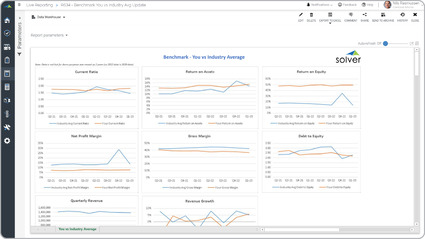
Benchmark with Industry Average
Some of the key functionality benchmarking report is that it is based on available data from a pool of competitors. Often, this is data from a web-site like Yahoo Finance or a government web-site like Edgar.
$
Reports
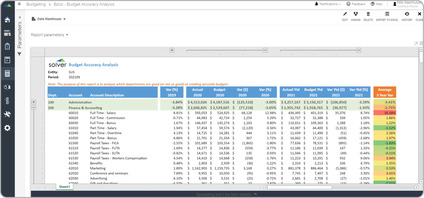
Budget Accuracy Analysis
A key functionality seen report may provide two years of historical actual-to-budget variances, in addition to, variances in the current year.
$
Dashboard
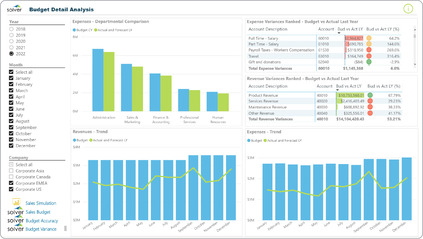
Budget Detail Dashboard
It offers a lot of valuable budgetary information presented on a single screen. The left side of the dashboard provides filters for year, month and company.
$
Dashboard
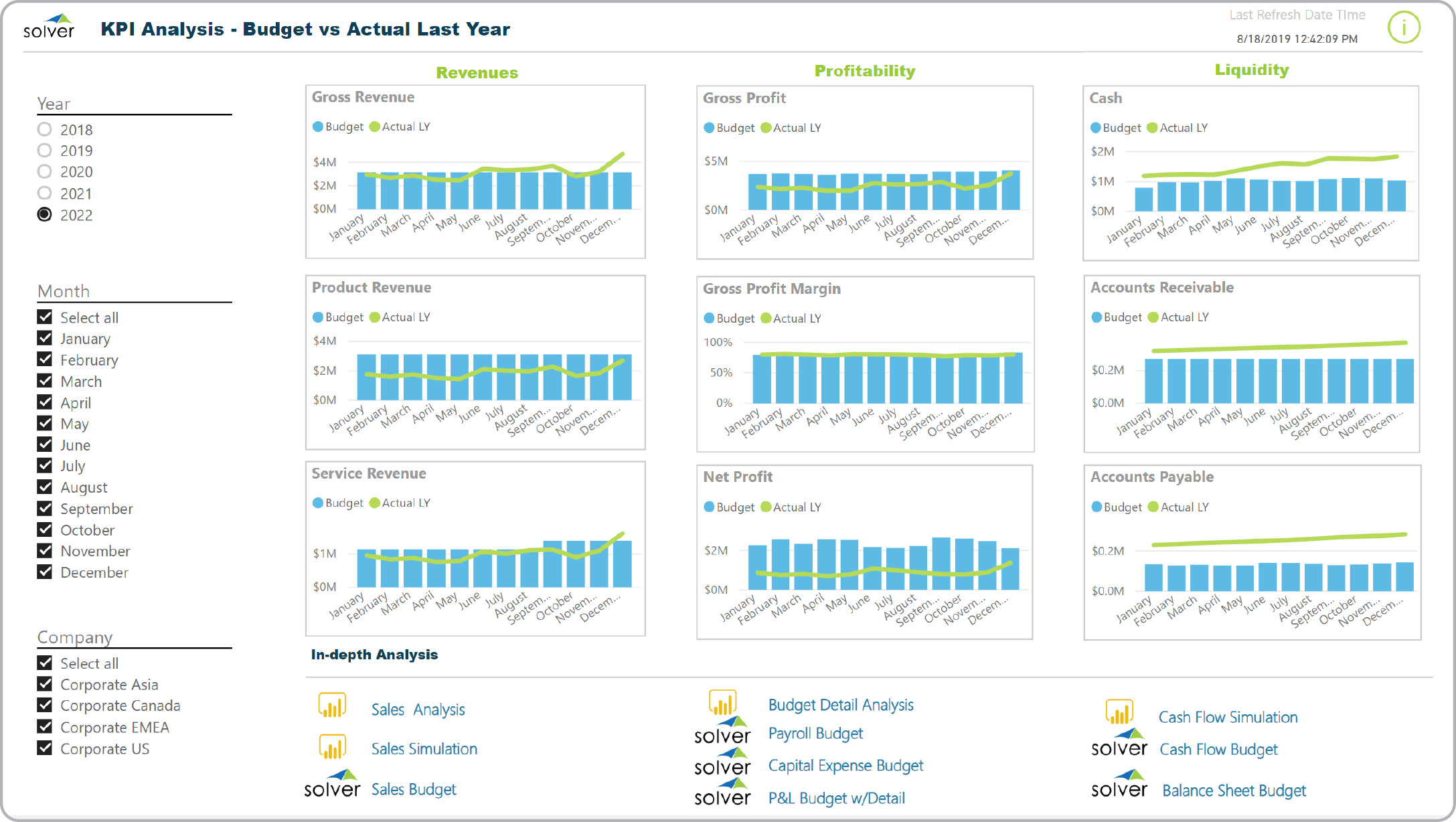
Budget Summary Dashboard
It displays trend charts for the budget as well as actual last year. The visualizations are broken into three major areas: Revenues, Profitability and Liquidity.
$
Reports
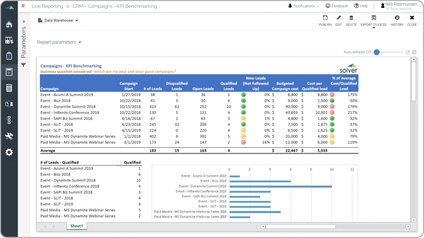
Campaign Benchmarking
It provides filters so the user can see only the campaigns and time period they are interested in.
$
Reports
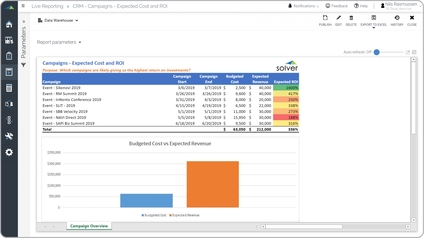
Campaign Budgets and ROI
Marketing campaign cost and return on investment (ROI) It provides filters where the user can select all- or specific campaigns for a given time period and see key performance metrics.
$