

Solver Marketplace
Explore based on functionality (reports, planning, and dashboard templates), or use the search function to filter by integration, industry, or to find a template that fits your specific needs. Save templates to your favorites list and use the "Share Favorites" link to share the list with others.
Icon Legend:
💲 Requires consulting hours to set up and configure
⭐ Save as a favorite and share with others
FUNCTIONALITY
- Reports
- Planning
- Dashboard
Data Source
Marketplace Data Source: Filter by Data Source to find assets specific to your system
Showcase Data Source: Filter by Data Source to find assets specific to your system
Industries
Marketplace Industries: Filter by Industries to find assets specific to your system
Showcase Industries: Filter by Industries to find assets specific to your system
industries
Marketplace Industries: Filter by your industry to find assets created for your specific needs
Showcase Industries: Filter by your industry to find assets created for your specific needs
769 - 774 of 873 Results
Favorite Page Results
Favorites


Reports
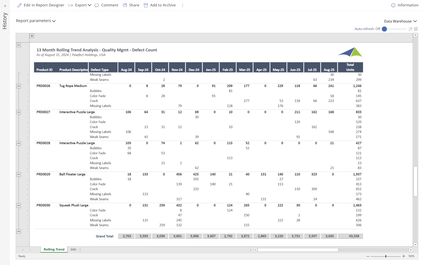
SCM - Manufacturing - 13 Month Rolling Trend Analysis – Quality
Users can filter this report by Product, Defect Type, Period or any other data field to limit the report to specific data. The rolling thirteen‑month columns offer a clear view of trends within the selected data set.
$
Reports
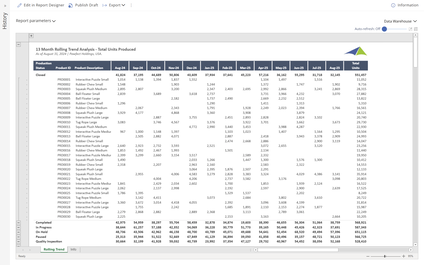
SCM - Manufacturing - 13 Month Rolling Trend Analysis – Total Units Produced
Users can filter this report by Production Status, Product, Period or any other data field to limit the report to specific data.
$
Dashboard
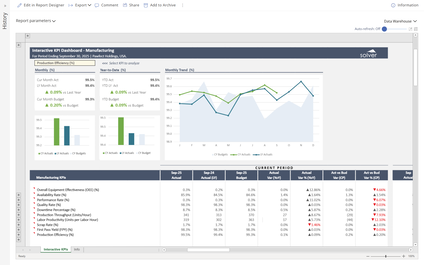
SCM - Manufacturing - Interactive Dashboard – Manufacturing
When a user selects a KPI from the dropdown menu in this dashboard, all charts and figures interactively display metrics, including variances and trends for the chosen KPI.
$
Dashboard
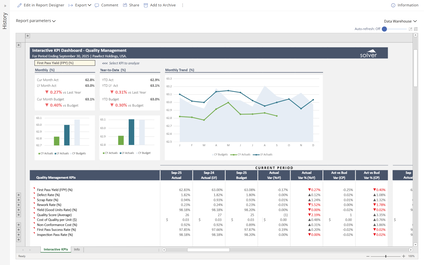
SCM - Manufacturing - Interactive Dashboard – Quality Management
When a user selects a KPI from the dropdown menu in this dashboard, all charts and figures interactively display metrics, including variances and trends for the chosen KPI.
$
Dashboard
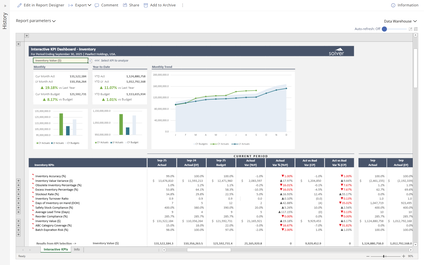
SCM - Manufacturing - Interactive Dashboard – Inventory
When a user selects a KPI from the dropdown menu in this dashboard, all charts and figures interactively display metrics, including variances and trends for the chosen KPI.
$
Dashboard
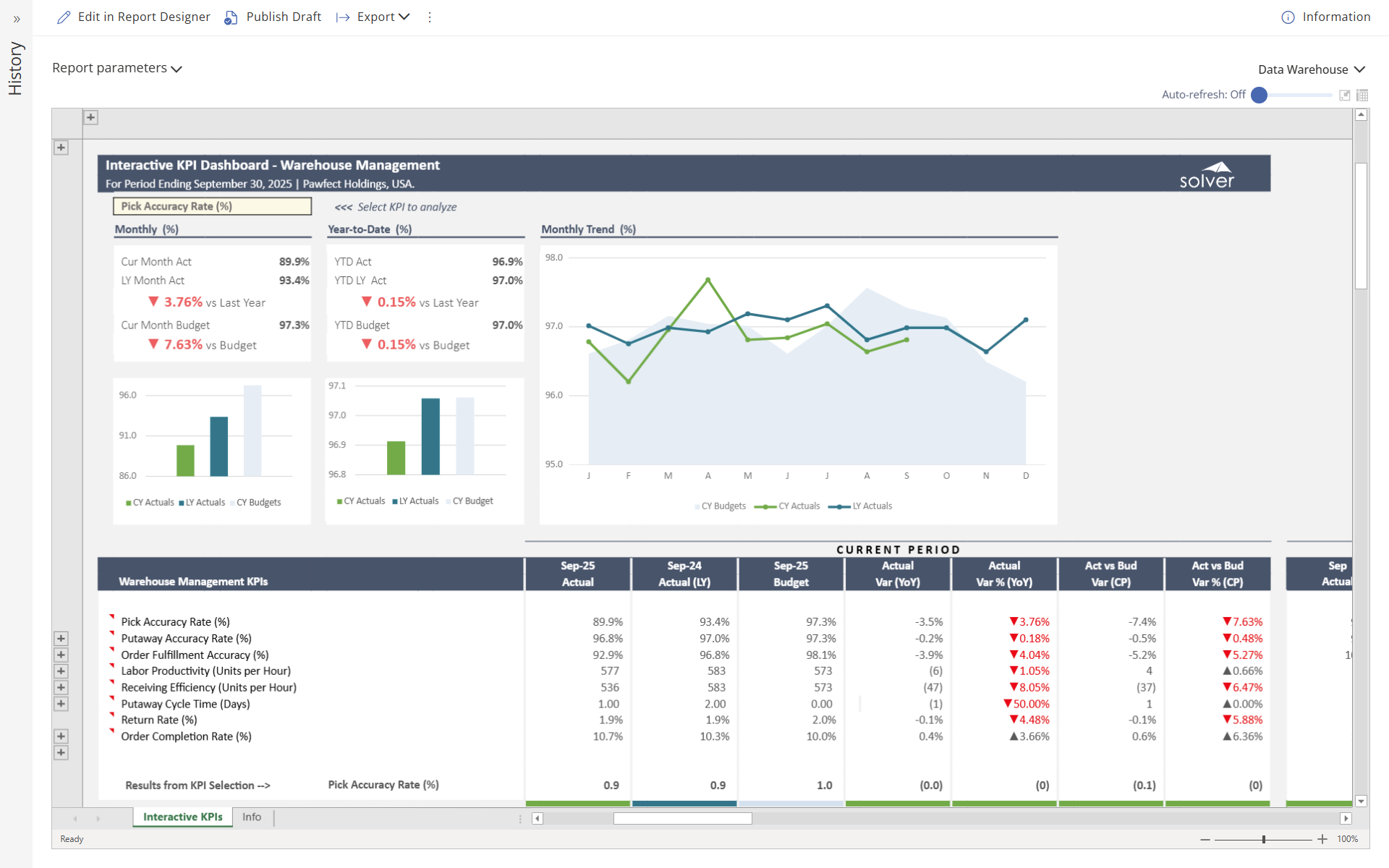
SCM - Manufacturing - Interactive Dashboard – Warehouse Management
When a user selects a KPI from the dropdown menu in this dashboard, all charts and figures interactively display metrics, including variances and trends for the chosen KPI.
$