


 Add to favorite


Nonprofit Essentials - Payroll Allocations
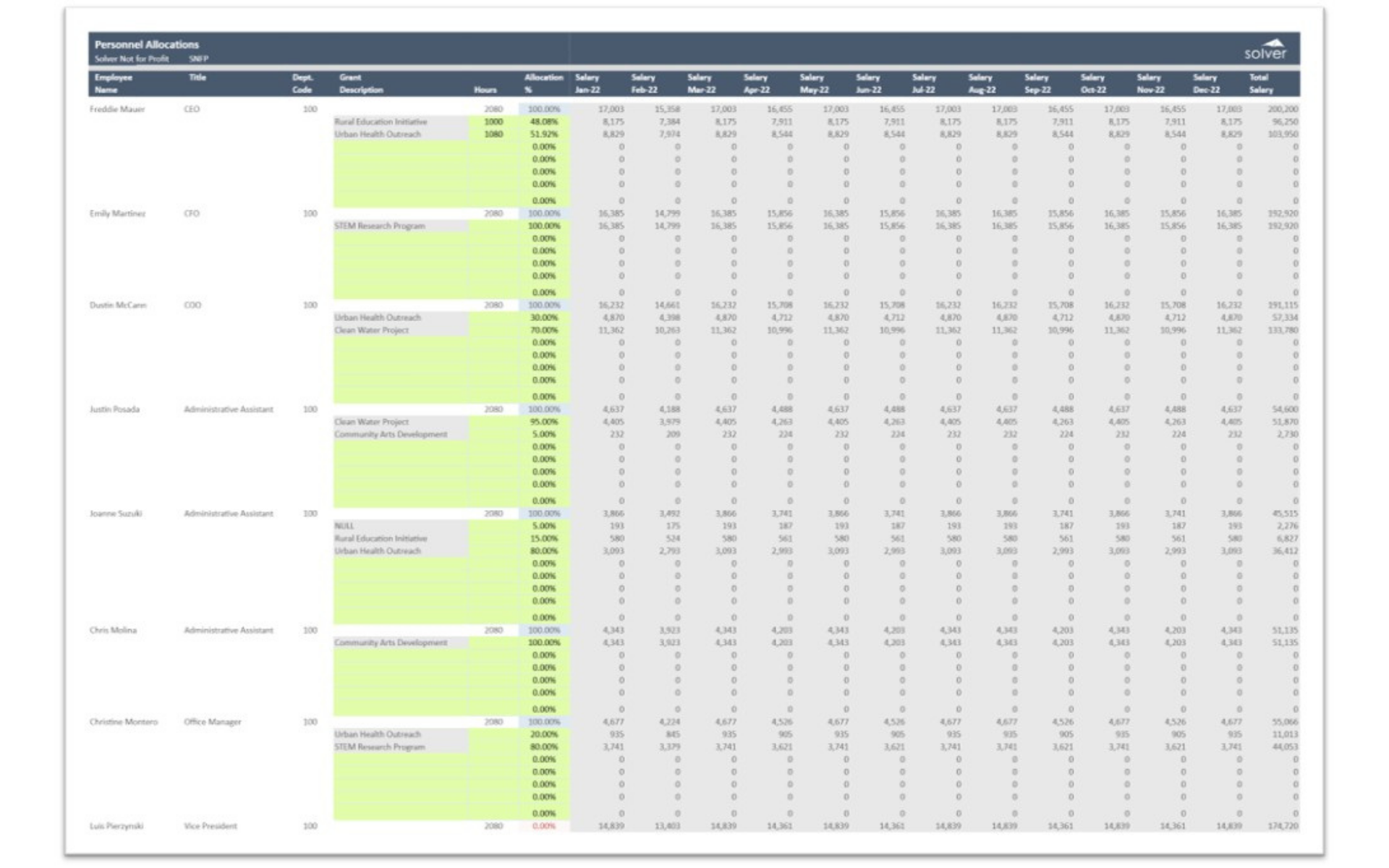
The Payroll Allocations in Solver is a pre-built FP&A planning template for the nonprofit industry. Designed for nonprofit organizations, it allows each employee's salary to be allocated across grants and programs by percentage. For every employee, users assign allocation percentages to one or more grants, and the template spreads monthly salary across those grants for the full year.
NOTE: This template is included as part of the Nonprofit Essentials.
Built for nonprofit organizations, this Solver planning template connects to your accounting data via the Solver Data Warehouse and writes approved inputs back for reporting. In addition, it shows each employee's title, department code, hours, grant description, allocation percentage, and monthly salary from January through December with a total, and flags allocations that do not equal 100%. It supports grant budgeting, effort allocation, and funder cost-sharing and compliance reporting.
What is the Payroll Allocations in Solver?
The Payroll Allocations is a pre-built FP&A planning template in Solver designed for nonprofit organizations. It allocates personnel costs to grants and programs by percentage and calculates the resulting monthly salary by grant.
Who uses this Solver template?
This planning template is used by grant managers, program directors, and finance teams at nonprofit organizations who need to charge personnel costs to the right funding sources. It is particularly valuable for nonprofits managing multiple grants with shared staff.
Where does the data come from?
Data is sourced automatically from your general ledger, HR and payroll, grant management, and ERP systems through the Solver Data Warehouse. Once connected, actuals and baseline data populate the template automatically, so budget owners only need to enter their assumptions.