


 Add to favorite


Nonprofit Essentials - Budget Summary Report by Program
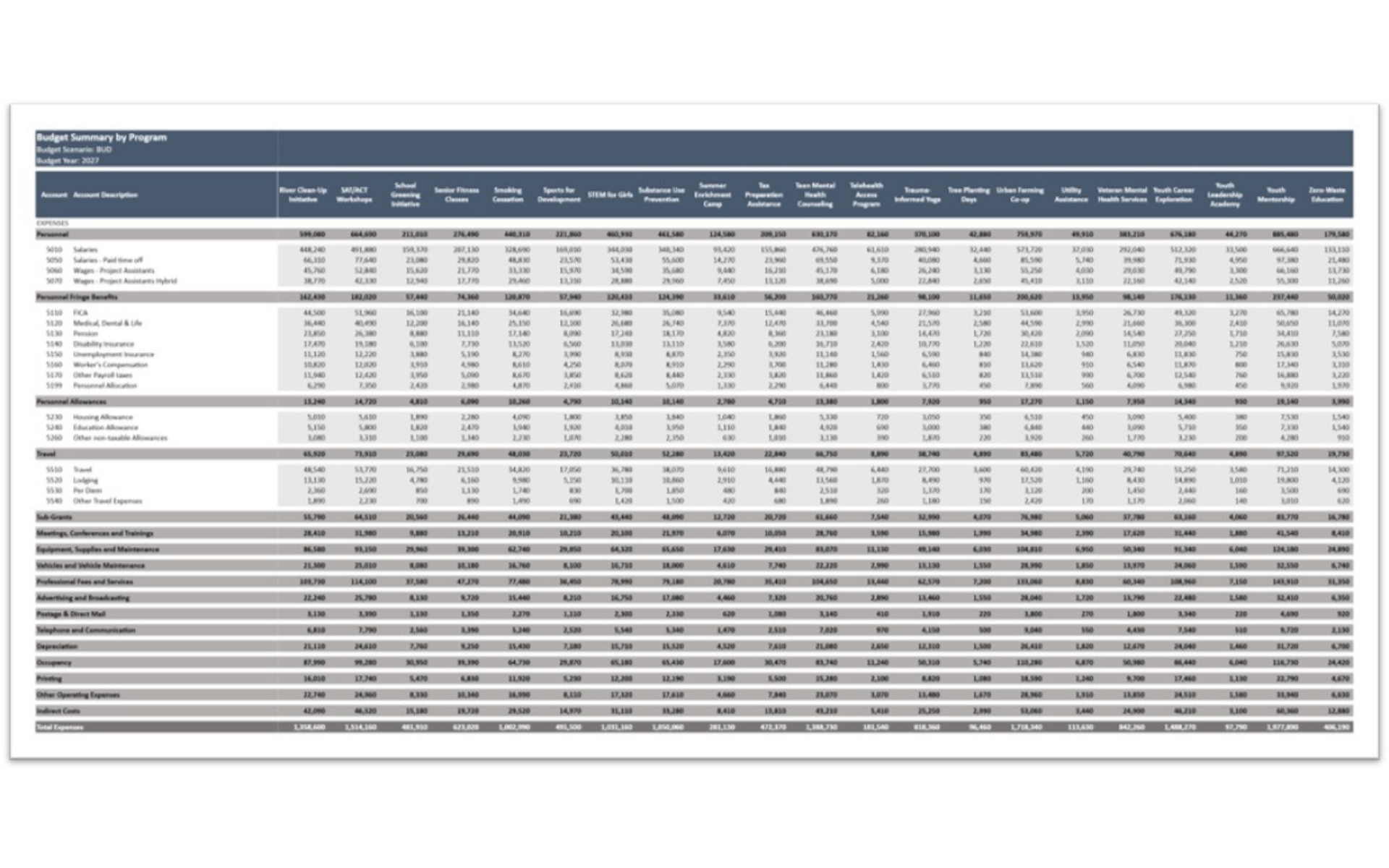
The Budget Summary Report by Program in Solver is a pre-built FP&A report template for the nonprofit industry. Designed for nonprofit organizations, it summarizes the budget for every program side by side, with programs across the columns and expense categories and accounts down the rows. A budget scenario and budget year are shown in the header, and every program ends in a Total Expenses figure.
NOTE: This template is included as part of the Nonprofit Essentials.
Built for nonprofit organizations, this Solver report connects to your accounting data via the Solver Data Warehouse, delivering near real-time reporting without manual spreadsheets. In addition, it expands from category totals such as Personnel, Fringe Benefits, Allowances, and Travel to account-level detail, so planners can see exactly how each program budget is built. It supports annual budget development, program funding decisions, and budget reviews with program leaders.
What is the Budget Summary Report by Program in Solver?
The Budget Summary Report by Program is a pre-built FP&A report in Solver designed for nonprofit organizations. It delivers a cross-program budget comparison by expense category and account for a selected budget scenario and year.
Who uses this Solver template?
This report is used by CFOs, FP&A managers, and program directors at nonprofit organizations who need to compare and review program budgets in one place. It is particularly valuable for nonprofits managing dozens of programs in the annual budget cycle.
Where does the data come from?
Data is sourced automatically from your general ledger, grant management, and ERP systems through the Solver Data Warehouse. Once connected, the template updates in near real-time with no manual data entry required.