AI-Accelerated Dynamics GP Integration for Finance Teams
When native Microsoft Dynamics GP tools and manual Excel models can no longer keep up, finance teams need more than basic budgeting. Solver's AI-accelerated xFP&A solution works with Dynamics GP to bring reporting, budgeting, forecasting, and dashboards into one place, so every decision starts from the same numbers.
Based on customer reviews on
![]()
Two Ways to Report on Dynamics GP Data
Every Dynamics GP environment is different. Solver gives you two connection options, so you can report directly against GP or move GP data into a dedicated Solver environment, depending on how your team works. Find Solver in the Microsoft Marketplace.
Hybrid Reporting
Run live reporting directly off your Dynamics GP system. Reports pull from GP as you run them, so your team works with current figures without waiting on an export.
Solver Gateway
Take the reporting load off your production system. Solver Gateway moves Dynamics GP data into a dedicated Solver environment for reporting, budgeting, forecasting, and dashboarding.
Take the Microsoft Dynamics GP Tour
Watch an in-depth video series on what Solver offers and how the QuickStart integration for Microsoft Dynamics GP helps your team reach better decisions faster.
Why GP Teams Add Solver
Room to grow past native tools
Extend beyond the basic budgeting and standard reporting in Dynamics GP once your planning needs outpace them.
An exit from manual Excel models
Replace disconnected spreadsheet models with a structured process your whole team can follow and trust.
A tighter fit with GP
Teams moving from another xFP&A tool gain a solution built for Dynamics GP and built to work with it.
Faster response to market shifts
Model scenarios and run simulations so plans change as quickly as conditions do.
Sharper predictions
Improve forecast accuracy with automated, driver-based models in place of manual roll-forwards.
Insight across the organization
Share findings through graphs and dashboards that leaders outside finance can read and act on.
When GP Reporting Slows the System Down
Better Reports, Lighter Production Load.
Management Reporter and SmartList cover standard reporting inside Dynamics GP, but deeper analysis often means heavy queries against the production system or exports into manual workbooks. Solver turns GP data into a strategic asset. Report live off GP with Hybrid reporting, or shift the workload to a dedicated environment with Solver Gateway, and manage budgets, forecasts, and detailed reports in one place.
Reporting, Consolidation, Budgeting, and Analysis for Dynamics GP
Core finance workflows built on general ledger and sub-ledger data from GP.
-
Financial Reporting
-
General ledger reports built on Dynamics GP data
-
Sub-ledger reports for deeper operational detail
-
Live reporting directly off GP with Hybrid reporting
-
Report design in Solver's Excel add-in
-
-
Consolidation
-
Key data sources combined in a single tool
-
Dynamics GP data in a dedicated Solver environment through Solver Gateway
-
One place for planning, consolidation, and reporting
-
-
Budgeting & Forecasting
-
Budget forms designed in Solver's Excel add-in
-
Dynamic driver-based budgeting and forecasting models
-
Automated forecasts that replace manual roll-forwards
-
Scenario modeling and simulations
-
-
Analysis
-
GL and sub-ledger dashboards for Dynamics GP
-
What-if scenarios to compare financial strategies
-
Easy-to-share graphs that make complex data accessible
-
Why Finance Teams Call Solver a Leader in FP&A
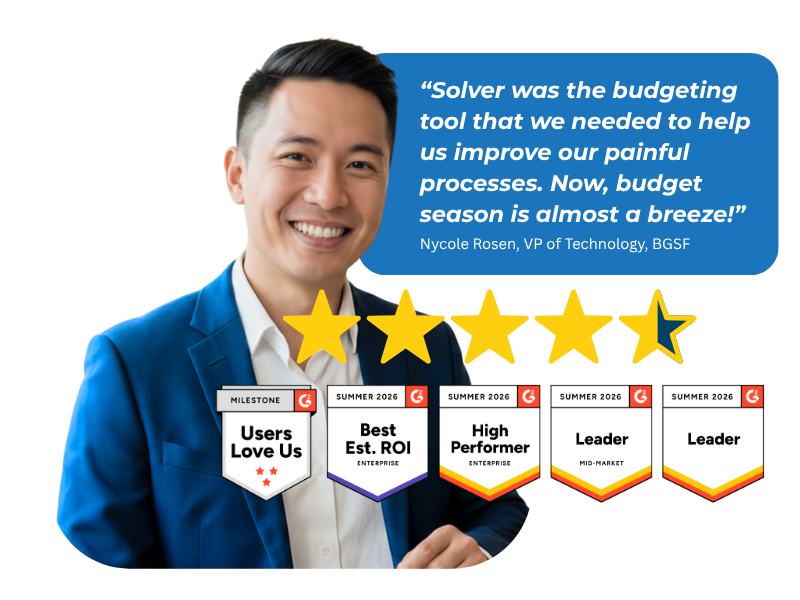
G2 users recognize Solver as a Leader for financial planning and analysis, with finance professionals across nonprofit, manufacturing, distribution, and dozens of other industries relying on it daily. Whether you're a mid-market team or a global enterprise, Solver gives you one platform to budget, report, consolidate, and analyze with confidence. Nycole Rosen, VP of Technology at BGSF, put it plainly: "Now, budget season is almost a breeze."
Solver for Microsoft Dynamics GP | Frequently Asked Questions
-
What does Solver add to Microsoft Dynamics GP?
Solver adds extended financial planning and analysis (xFP&A) to Microsoft Dynamics GP. It brings reporting, budgeting, forecasting, and dashboards into one place, using your general ledger and sub-ledger data. Finance teams design reports and budget forms in an Excel add-in, automate forecasts with driver-based models, and share insights across the organization.
-
How is Solver different from Management Reporter and SmartList?
Management Reporter and SmartList provide native reporting inside Dynamics GP, and GP includes basic budgeting. Solver extends those tools with GL and sub-ledger reports and dashboards, driver-based budgeting and forecasting, what-if scenario modeling, and the ability to consolidate key data sources into a single tool. Teams typically add Solver when they outgrow native functionality or manual Excel models.
-
What is the difference between Hybrid reporting and Solver Gateway?
Hybrid reporting runs live reports directly off your Dynamics GP system. Solver Gateway moves GP data into a dedicated Solver environment, taking the reporting load off your production system, and supports reporting, budgeting, forecasting, and dashboarding. Your Solver team can help you decide which option fits your environment and reporting needs.
-
Can Solver report on Dynamics GP sub-ledger data?
Yes. Solver supports both general ledger and sub-ledger reports and dashboards for Dynamics GP. This lets finance teams move from summary financial statements into the operational detail behind them, all designed in Solver's Excel add-in and kept in the same place as budgets and forecasts.
-
Can Solver combine Dynamics GP data with other data sources?
Yes. Solver consolidates your key data sources into a single tool for streamlined reporting and analysis. Dynamics GP data can sit alongside other business data, so finance teams build reports, forecasts, and dashboards from one consistent set of numbers instead of reconciling separate exports.