AI-Accelerated Gateway Integration for Finance Teams
Critical finance data often sits in on-premise databases and network files behind your firewall, out of reach for cloud planning and reporting. Solver Gateway securely connects those sources to Solver's AI-accelerated xFP&A solution, so your team can automate data uploads and plan, report, consolidate, and analyze from a single source of truth.
Based on customer reviews on
![]()
How Solver Gateway Reaches Your On-Premise Data
Solver Gateway creates a secure connection between Solver and the data sources locked behind your network firewall, such as a database or network file. Once connected, you can build automated integrations that upload that data into Solver.
Installed Inside Your Network
Solver Gateway is a desktop application installed on a machine in your network. From there, it links your on-premise databases and network files to Solver so your data can flow into the cloud on your terms.
Ready-Made SQL Views and Scripts
Out-of-the-box SQL views and scripts are available for many on-premise solutions, so your team can connect Solver to on-premise data quickly instead of building every integration from scratch.
Take the Solver Tour
Watch an in-depth video series on what Solver offers and how connected data helps your team reach better decisions sooner.
What Opens Up When On-Premise Data Reaches Solver
Excel-Designed Reports and Forms
Build reports and budget input forms in Solver's Excel add-in, then run them on data pulled from your on-premise systems.
Reporting That Drives Decisions
Give leaders advanced financial and operational reporting built on connected data instead of manually refreshed spreadsheets.
Every Key Source in One Tool
Combine on-premise data with your cloud sources in one tool for streamlined reporting and analysis.
Budgets and Forecasts on Autopilot
Replace time-consuming manual budget cycles with dynamic, driver-based models that update as assumptions change.
Scenarios Before Commitments
Model what-if scenarios and run simulations to find the financial strategy that holds up best as markets shift.
Dashboards Anyone Can Share
Turn complex data into graphs and dashboards that are easy to share, so insights reach leaders across your organization.
Valuable Data Shouldn't Stay Locked Behind the Firewall
Bridging On-Premise Systems and Cloud xFP&A.
Many organizations still run key systems on-premise, from legacy ERPs to departmental databases and shared network files. When that data cannot reach cloud planning and reporting tools, finance teams fall back on manual exports, emailed workbooks, and reconciliations that slow every cycle and introduce errors. Solver Gateway closes that gap. It moves on-premise data into Solver through automated integrations, so budgets, forecasts, reports, and dashboards all draw from the same governed data.
Every Finance Workflow, Powered by Connected Data
Once your on-premise data is in Solver, reporting, consolidation, planning, and analysis share one set of numbers.
-
Financial Reporting
-
Reports designed in the Solver Excel add-in
-
Financial and operational reports built on connected on-premise data
-
Drill-down from summary results to transaction detail
-
Automated report distribution through the web portal
-
-
Consolidation
-
On-premise and cloud data combined in one tool
-
Multi-entity rollups with automated elimination entries
-
Built-in currency translation
- Audit controls that track every change
-
-
Budgeting & Forecasting
-
Dynamic, driver-based budget models
-
What-if scenarios and simulations
-
Unlimited budget versions
-
Workflow and approvals for budget input
-
-
Analysis
-
Dashboards in Excel or Power BI
-
Easy-to-share graphs and visualizations
-
Trend analysis and anomaly detection with the Analysis Agent (available in the United States)
-
Why Finance Teams Call Solver a Leader in FP&A
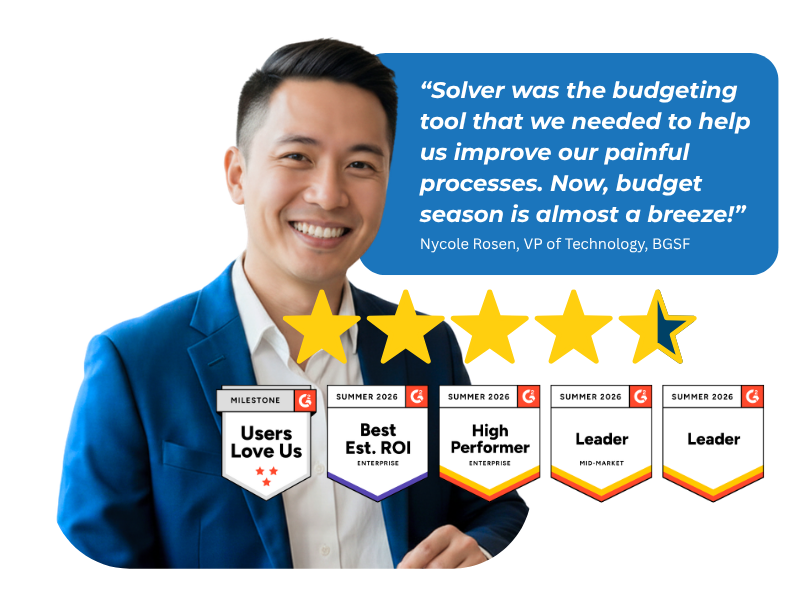
G2 users recognize Solver as a Leader for financial planning and analysis, with finance professionals across nonprofit, manufacturing, distribution, and dozens of other industries relying on it daily. Whether you're a mid-market team or a global enterprise, Solver gives you one platform to budget, report, consolidate, and analyze with confidence. Nycole Rosen, VP of Technology at BGSF, put it plainly: "Now, budget season is almost a breeze."
Ready to Connect Solver to Your On-Premise Data?
Solver for Gateway | Frequently Asked Questions
-
What is Solver Gateway and what does it do?
Solver Gateway is a desktop application that connects Solver to on-premise data sources, such as a database or network file, that sit behind your network firewall. It creates a secure connection between Solver and those sources, so you can build automated integrations that upload on-premise data into Solver for planning, reporting, consolidation, and analysis.
-
How is Solver different from Excel for reporting on on-premise data?
Solver keeps the Excel design experience your team knows and removes the manual work around it. Instead of exporting on-premise data into spreadsheets, Solver Gateway feeds that data into Solver through automated integrations. Reports and budget forms run on one source of truth, audit controls track every change, and business users view results through a web portal.
-
What on-premise data sources can Solver Gateway connect to?
Solver Gateway connects Solver to on-premise data sources located behind your firewall, such as databases and network files. Out-of-the-box SQL views and scripts are available for many on-premise solutions. Because Solver's data warehouse supports unlimited data sources, you can also combine on-premise data with cloud ERP, CRM, and operational data in one tool.
-
Where is Solver Gateway installed?
Solver Gateway is installed on a machine inside your network. Once installed, it creates the connection between your on-premise data sources and Solver, so you can set up automated integrations that upload data into Solver. Your Solver team or implementation partner can help you choose the right machine and plan the setup during scoping.
-
How long does it take to set up Solver with Solver Gateway?
Out-of-the-box SQL views and scripts for many on-premise solutions help teams connect quickly, and Solver's ready-to-use templates speed up report and budget model setup. Your timeline depends on the number of data sources, entities, and custom models in scope. Your Solver team or implementation partner will confirm a timeline during scoping.
-
How does Solver Copilot AI work with on-premise data?
Once Solver Gateway brings your on-premise data into Solver, Solver Copilot AI can work with it. The Help Agent answers product and application questions instantly, and the Analysis Agent provides chart generation, anomaly detection, trend analysis, and predictive recommendations. Solver Copilot is built on OpenAI GPT within Microsoft Azure, and user input never trains the model. Available in the United States.