Solver | QuickBooks Integration Pillar Page_Logo

AI-Accelerated QuickBooks Online Integration for Finance Teams


Solver connects QuickBooks Online with your other key data sources to create a single source of truth for growing organizations. Automate financial and operational reports, consolidations, budgets, and forecasts on one cloud platform, and give leaders the complete insight they need to make intelligent decisions with confidence.

Built for QuickBooks Online: one application for planning, reporting, and analysis.


star-outline star-outline star-outline star-outline star-outline

Based on customer reviews on

G2 White Logo


From QuickBooks Online Data to Finished Reports

Solver is built for QuickBooks Online, pairing your accounting data with a flexible report and planning form designer in one tool. Load QuickBooks Online data into Solver, then design the reports and budget forms your team needs in Excel.

Connect and Load QuickBooks Data

The QuickStart integration for QuickBooks Online lets you quickly connect and load QuickBooks Online data into Solver, where it sits alongside your other financial and operational data. Your team stops rebuilding exports and starts working from one source.

Design in a Powerful Excel Add-in

Create general ledger reports and budget forms with Solver's Excel add-in, using the formulas and layouts your team already knows. Each report and form draws on connected QuickBooks Online data rather than copied spreadsheets.

Take the QuickBooks Online Tour

Watch an in-depth video series covering what Solver offers and how the QuickStart integration for QuickBooks Online accelerates better decisions.

How Solver Extends QuickBooks Online

Solver Pink Check Icon

A Single Source of Truth

Stop reconciling disconnected files. Every report and plan draws on the same QuickBooks Online and business data.

Solver Pink Check Icon

Less Manual Reporting

Free your team from rebuilding the same financial and operational reports every period.

Solver Pink Check Icon

Leaner Budget Cycles

Spend less time on budgeting and forecasting by automating the most time-consuming steps.

Solver Pink Check Icon

Sharper Predictions

Improve prediction accuracy with advanced budgeting and forecasting tools built for planning.

Solver Pink Check Icon

Ready for Market Shifts

Respond quickly to change with scenarios prepared before you need them.

Solver Pink Check Icon

Insight Beyond Finance

Give leaders across the organization clear visibility into the numbers behind each decision.

When Exports Stop Scaling

Growth Demands More Than Spreadsheets

As organizations grow, finance teams often export QuickBooks Online data into Excel to build budgets, forecasts, and management reports. Each cycle adds more workbooks, more manual links, and more room for version errors, while leaders wait longer for answers. Solver replaces that patchwork with an AI-accelerated xFP&A solution that loads QuickBooks Online data alongside your other sources, so reporting, planning, and analysis run from one trusted foundation.

Solver_Product_Pillar_Fan


Planning, Reporting, Consolidation, and Analysis for QuickBooks Online

Every finance workflow, connected to the books you already keep.

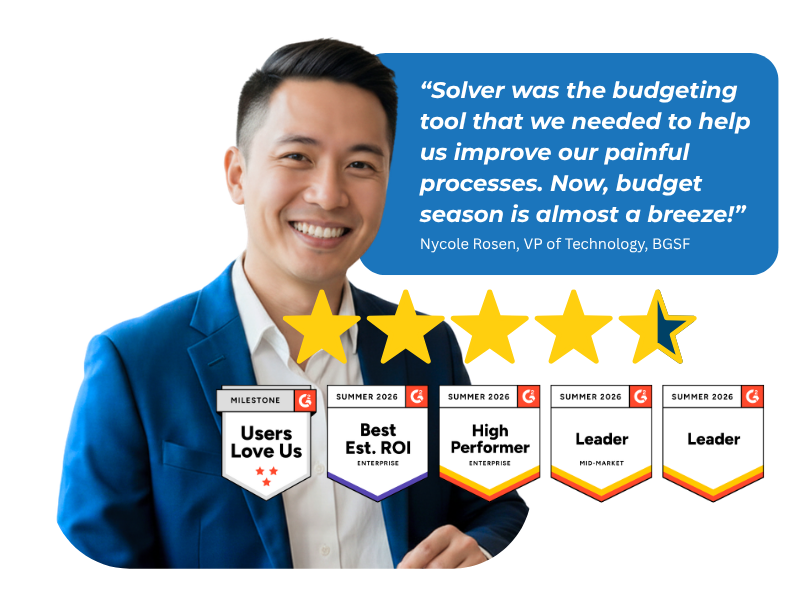
“Solver was the budgeting tool that we needed to help us improve our painful processes. Now, budget season is almost a breeze!” — Nycole Rosen, VP of Technology, BGSF

Why Finance Teams Call Solver a Leader in FP&A

G2 users recognize Solver as a Leader for financial planning and analysis, with finance professionals across nonprofit, manufacturing, distribution, and dozens of other industries relying on it daily. Whether you're a mid-market team or a global enterprise, Solver gives you one platform to budget, report, consolidate, and analyze with confidence. Nycole Rosen, VP of Technology at BGSF, put it plainly: "Now, budget season is almost a breeze."

Ready to Connect Solver to QuickBooks Online?

See how Solver's AI-accelerated xFP&A solution automates planning, reporting, and consolidation for QuickBooks Online teams.

Solver for QuickBooks Online | Frequently Asked Questions