

Solver-markedsplads
Udforsk efter funktionalitet (rapporter, planlægning og dashboard-skabeloner), eller brug søgefunktionen til at filtrere efter integration, branche eller for at finde en skabelon, der passer til dine specifikke behov. Gem skabeloner på din favoritliste, og brug linket »Del favoritter« til at dele listen med andre.
Ikonforklaring:
💲 Kræver konsulenttimer til opsætning og konfiguration
⭐ Gem som favorit og del med andre
FUNCTIONALITY
- Reports
- Planning
- Dashboard
Data Source
Marketplace Data Source: Filter by Data Source to find assets specific to your system
Showcase Data Source: Filter by Data Source to find assets specific to your system
Industries
Marketplace Industries: Filter by Industries to find assets specific to your system
Showcase Industries: Filter by Industries to find assets specific to your system
industries
Marketplace Industries: Filter by your industry to find assets created for your specific needs
Showcase Industries: Filter by your industry to find assets created for your specific needs
187 - 192 of 868 Results
Favorite Page Results
Favorites


Reports
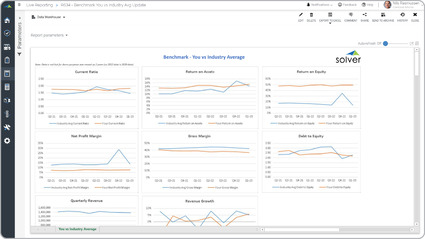
Benchmark with Industry Average
Some of the key functionality benchmarking report is that it is based on available data from a pool of competitors. Often, this is data from a web-site like Yahoo Finance or a government web-site like Edgar.
$
Reports
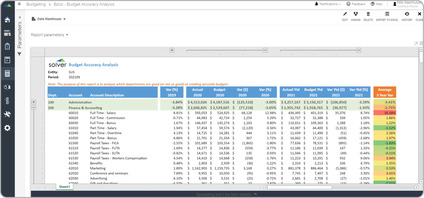
Budget Accuracy Analysis
A key functionality seen report may provide two years of historical actual-to-budget variances, in addition to, variances in the current year.
$
Dashboard
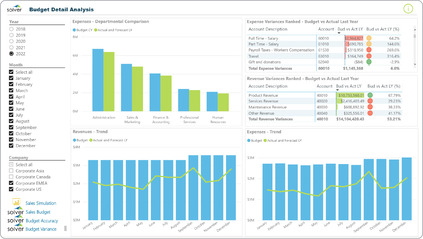
Budget Detail Dashboard
It offers a lot of valuable budgetary information presented on a single screen. The left side of the dashboard provides filters for year, month and company.
$
Dashboard
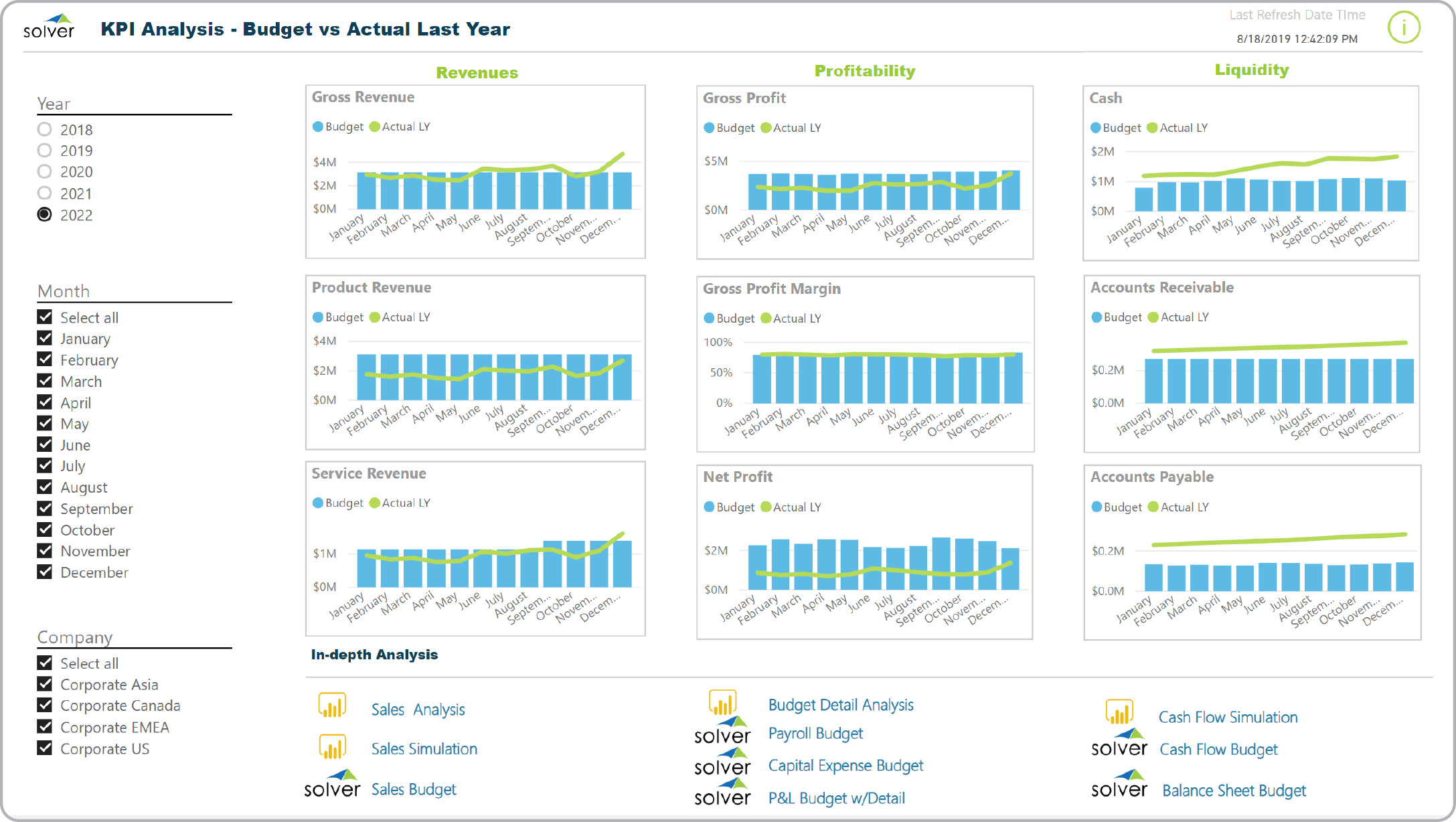
Budget Summary Dashboard
It displays trend charts for the budget as well as actual last year. The visualizations are broken into three major areas: Revenues, Profitability and Liquidity.
$
Reports
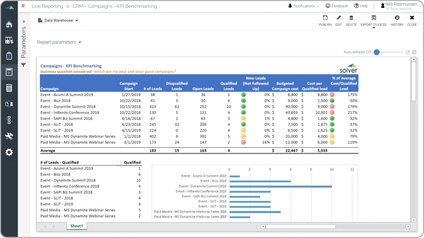
Campaign Benchmarking
It provides filters so the user can see only the campaigns and time period they are interested in.
$
Reports
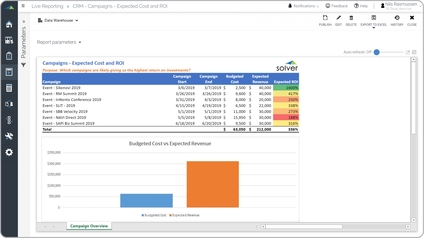
Campaign Budgets and ROI
Marketing campaign cost and return on investment (ROI) It provides filters where the user can select all- or specific campaigns for a given time period and see key performance metrics.
$