

Solver-markedsplads
Udforsk efter funktionalitet (rapporter, planlægning og dashboard-skabeloner), eller brug søgefunktionen til at filtrere efter integration, branche eller for at finde en skabelon, der passer til dine specifikke behov. Gem skabeloner på din favoritliste, og brug linket »Del favoritter« til at dele listen med andre.
Ikonforklaring:
💲 Kræver konsulenttimer til opsætning og konfiguration
⭐ Gem som favorit og del med andre
FUNCTIONALITY
- Reports
- Planning
- Dashboard
Data Source
Marketplace Data Source: Filter by Data Source to find assets specific to your system
Showcase Data Source: Filter by Data Source to find assets specific to your system
Industries
Marketplace Industries: Filter by Industries to find assets specific to your system
Showcase Industries: Filter by Industries to find assets specific to your system
industries
Marketplace Industries: Filter by your industry to find assets created for your specific needs
Showcase Industries: Filter by your industry to find assets created for your specific needs
763 - 768 of 868 Results
Favorite Page Results
Favorites


Planning
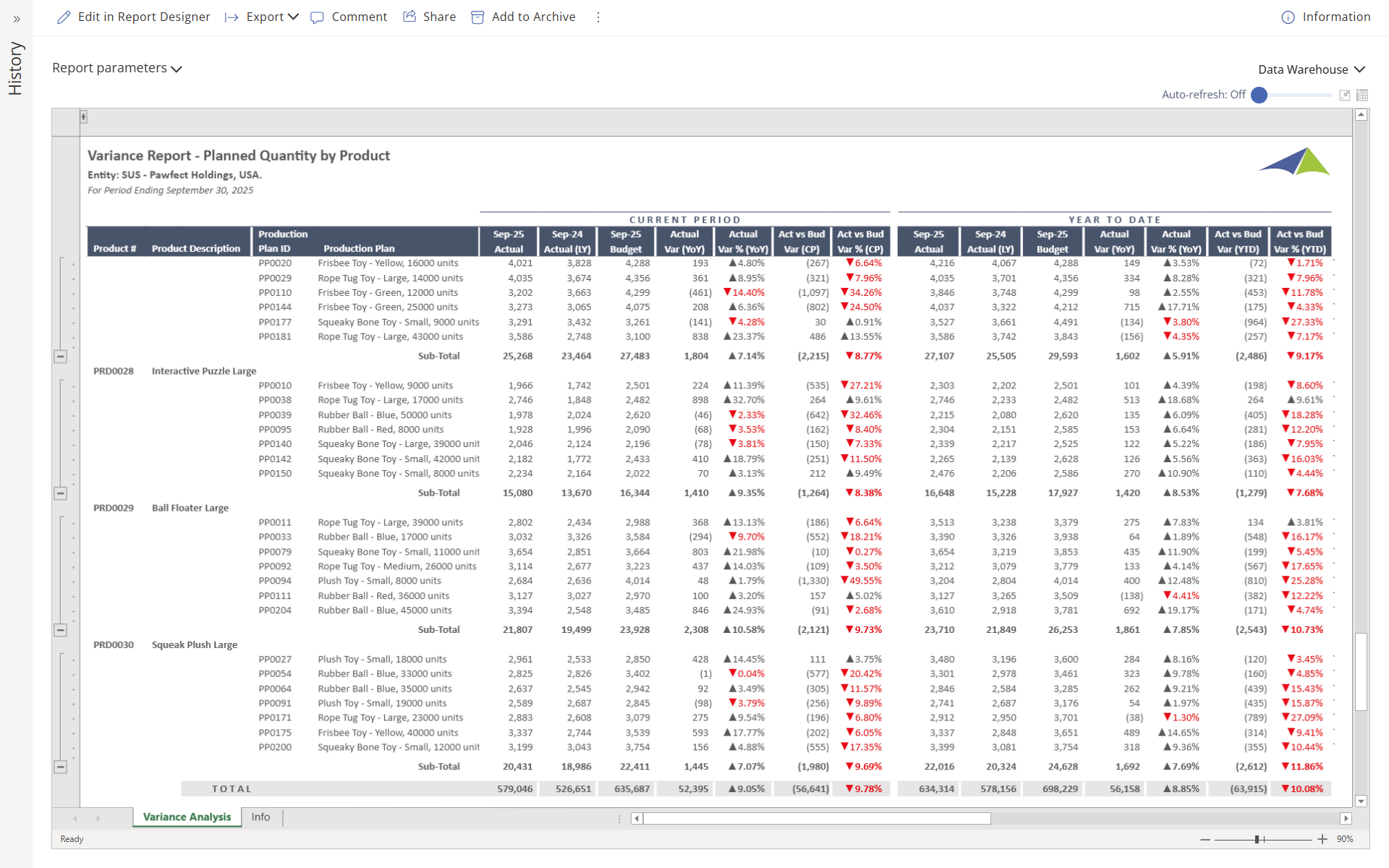
SCM - Manufacturing - Variance Report – Planned Quantity by Product
This report shows planned quantities for production plans by product, with figures displayed for both the current month and year‑to‑date.
$
Reports
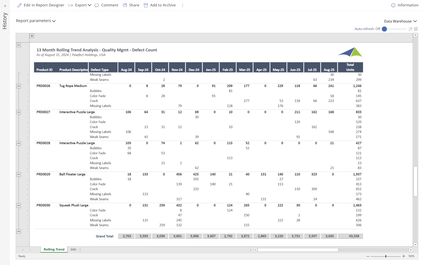
SCM - Manufacturing - 13 Month Rolling Trend Analysis – Quality
Users can filter this report by Product, Defect Type, Period or any other data field to limit the report to specific data. The rolling thirteen‑month columns offer a clear view of trends within the selected data set.
$
Reports
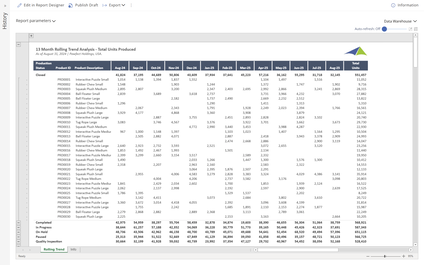
SCM - Manufacturing - 13 Month Rolling Trend Analysis – Total Units Produced
Users can filter this report by Production Status, Product, Period or any other data field to limit the report to specific data.
$
Dashboard
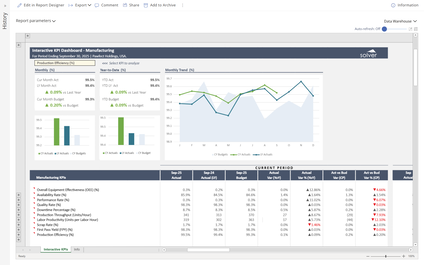
SCM - Manufacturing - Interactive Dashboard – Manufacturing
When a user selects a KPI from the dropdown menu in this dashboard, all charts and figures interactively display metrics, including variances and trends for the chosen KPI.
$
Dashboard
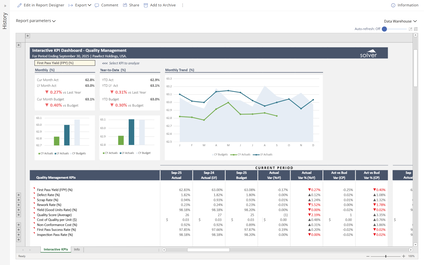
SCM - Manufacturing - Interactive Dashboard – Quality Management
When a user selects a KPI from the dropdown menu in this dashboard, all charts and figures interactively display metrics, including variances and trends for the chosen KPI.
$
Dashboard
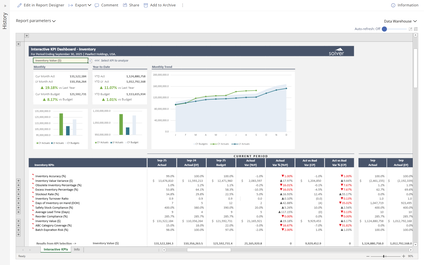
SCM - Manufacturing - Interactive Dashboard – Inventory
When a user selects a KPI from the dropdown menu in this dashboard, all charts and figures interactively display metrics, including variances and trends for the chosen KPI.
$