AI-Accelerated Sage X3 Integration for Finance Teams
Give your Sage X3 finance team one cloud platform to report, budget, forecast, and analyze. Solver connects through the Solver Gateway, keeps report and budget form design in Excel, and unifies your key data sources into a single source of truth that informs decisions beyond the finance department.
Based on customer reviews on
![]()
Built for Sage X3 Through the Solver Gateway
Solver links to Sage X3 through the Solver Gateway, a desktop application installed on a machine inside your network. The Gateway securely reaches Sage X3 data behind your firewall, so finance can retire the export-and-reformat routine that slows every reporting and planning cycle.
Provided Views Speed Up Integration
Solver supplies SQL views and scripts for Sage X3, giving your team a head start on automated integrations that move ERP data into Solver.
Take the Sage X3 Tour
Explore a video series covering what Solver offers and how its integration with Sage X3 helps finance teams reach better decisions sooner.
Turn Sage X3 Data into Confident Decisions
Familiar Excel design
Build reports and budget forms in Solver's Excel add-in, so finance keeps working in spreadsheets while Sage X3 data flows in underneath.
GL and sub-ledger visibility
Report on and build dashboards from both general ledger and sub-ledger Sage X3 data, from summary results down to supporting detail.
Every key source in one tool
Consolidate Sage X3 with your other key data sources in a single tool for streamlined reporting and analysis.
Driver-based planning
Automate time-consuming budgeting and forecasting with dynamic, driver-based models built around what moves your results.
Scenario agility
Model scenarios and run simulations to respond quickly to market shifts and improve prediction accuracy.
Insight everyone can read
Turn complex data into easy-to-share graphs and dashboards that put insights in front of teams across the organization.
Plan Across Every Site from One Foundation
Many Locations, One View.
Sage X3 brings business processes into one common system and supports multiple languages and legislations across locations. Finance needs planning and reporting with the same reach. Solver turns organizational data into a strategic asset by managing budgets, automating forecasts, and producing detailed reports in one place, so leaders at every site work from the same numbers as the business grows.
Every Finance Workflow, Grounded in Sage X3 Data
Reports, plans, and analysis designed in Excel and shared across your organization.
-
Financial Reporting
-
GL and sub-ledger reports and dashboards for Sage X3
-
Report and budget form design in Solver's Excel add-in
-
Advanced reporting that supports data-driven decisions
-
-
Financial Consolidation
-
Sage X3 and other key data sources in a single tool
-
Unified data for streamlined reporting
-
One place for budgets, forecasts, and reports
-
-
Budgeting & Forecasting
-
Dynamic, driver-based budget and forecast models
-
Automation for time-consuming planning tasks
-
Scenario modeling to respond to market shifts
-
-
Analysis
-
What-if scenarios to find the strongest financial strategy
-
Simulations that sharpen prediction accuracy
-
Graphs and dashboards shared across the organization
-
Why Finance Teams Call Solver a Leader in FP&A
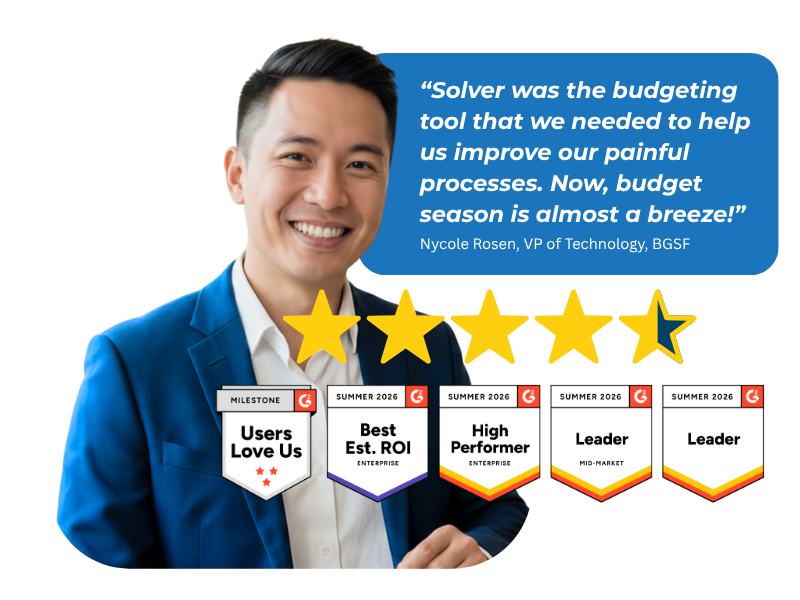
G2 users recognize Solver as a Leader for financial planning and analysis, with finance professionals across nonprofit, manufacturing, distribution, and dozens of other industries relying on it daily. Whether you're a mid-market team or a global enterprise, Solver gives you one platform to budget, report, consolidate, and analyze with confidence. Nycole Rosen, VP of Technology at BGSF, put it plainly: "Now, budget season is almost a breeze."
Solver for Sage X3 | Frequently Asked Questions
-
What does Solver add to Sage X3?
Solver adds extended financial planning and analysis (xFP&A) to Sage X3. It combines Sage X3 data with your other key data sources on one cloud platform, so finance teams can build GL and sub-ledger reports, automate budgets and forecasts, model what-if scenarios, and share dashboards from a single source of truth.
-
How is Solver different from Excel for Sage X3 reporting?
Solver keeps the Excel design experience your team knows and removes the manual exporting and reformatting around it. Reports and budget forms draw on Sage X3 data loaded through the Solver Gateway, and results reach stakeholders as easy-to-share graphs and dashboards instead of spreadsheets passed around by email.
-
Can Solver combine Sage X3 data with other data sources?
Yes. Solver consolidates Sage X3 and your other key data sources into a single tool for streamlined reporting and analysis. Finance teams can report on general ledger and sub-ledger detail next to non-ERP data, giving leaders a fuller view of performance without stitching files together by hand.
-
How does Solver connect to Sage X3?
Solver connects to Sage X3 through the Solver Gateway, a desktop application installed on a machine inside your network that securely links Solver to data behind your firewall. Solver also provides SQL views for Sage X3, so your team can quickly set up automated integrations that load Sage X3 data into Solver.
-
How long does it take to implement Solver for Sage X3?
Provided SQL views for Sage X3 help your team stand up Gateway integrations quickly instead of building every connection from scratch. Your overall timeline depends on the number of entities, data sources, and custom models in scope. Your Solver team or implementation partner will confirm a timeline during scoping.
-
Can Solver automate budgeting and forecasting for Sage X3?
Yes. Solver automates time-consuming budgeting and forecasting with dynamic, driver-based models. Finance teams can create what-if scenarios and run simulations to respond quickly to market shifts and improve prediction accuracy, all from the same Sage X3 data that feeds their reports and dashboards.