

Solver-markedet
Utforsk etter funksjonalitet (rapporter, planlegging og dashbordmaler), eller bruk søkefunksjonen til å filtrere etter integrasjon, bransje eller for å finne en mal som passer dine spesifikke behov. Lagre maler i favorittlisten din, og bruk lenken «Del favoritter» for å dele listen med andre.
Ikonforklaring:
💲 Krever konsulenttimer for å sette opp og konfigurere
⭐ Lagre som favoritt og del med andre
FUNCTIONALITY
- Reports
- Planning
- Dashboard
Data Source
Marketplace Data Source: Filter by Data Source to find assets specific to your system
Showcase Data Source: Filter by Data Source to find assets specific to your system
Industries
Marketplace Industries: Filter by Industries to find assets specific to your system
Showcase Industries: Filter by Industries to find assets specific to your system
industries
Marketplace Industries: Filter by your industry to find assets created for your specific needs
Showcase Industries: Filter by your industry to find assets created for your specific needs
763 - 768 of 868 Results
Favorite Page Results
Favorites


Planning
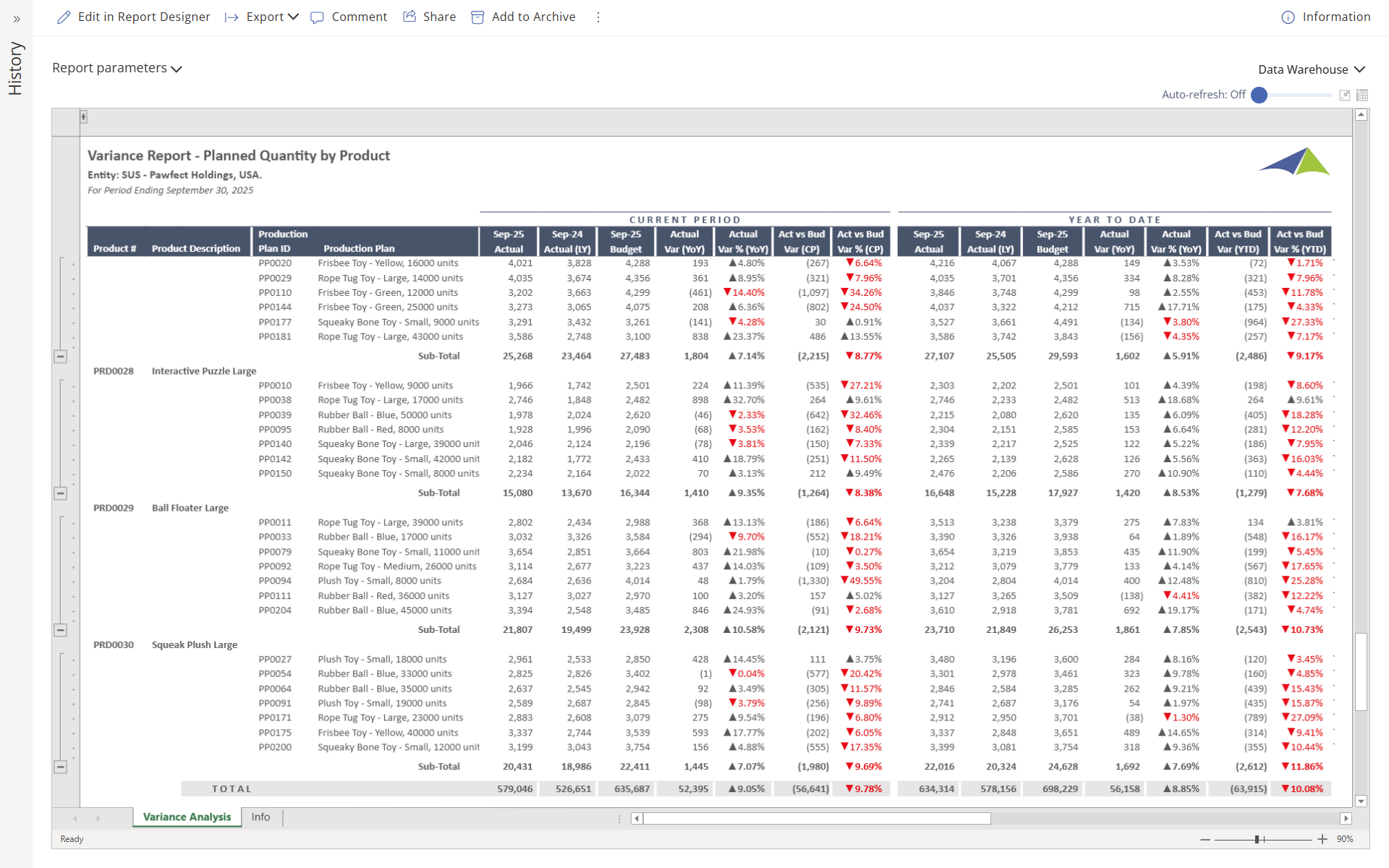
SCM - Manufacturing - Variance Report – Planned Quantity by Product
This report shows planned quantities for production plans by product, with figures displayed for both the current month and year‑to‑date.
$
Reports
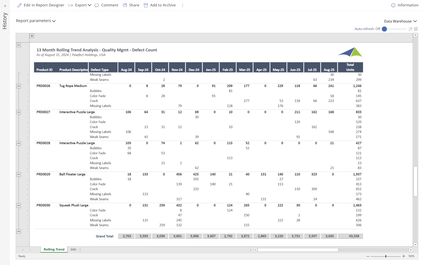
SCM - Manufacturing - 13 Month Rolling Trend Analysis – Quality
Users can filter this report by Product, Defect Type, Period or any other data field to limit the report to specific data. The rolling thirteen‑month columns offer a clear view of trends within the selected data set.
$
Reports
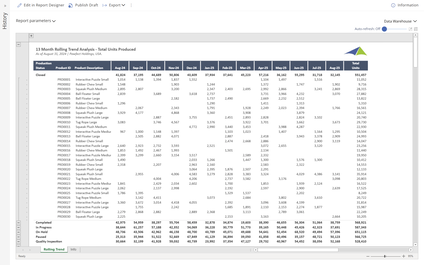
SCM - Manufacturing - 13 Month Rolling Trend Analysis – Total Units Produced
Users can filter this report by Production Status, Product, Period or any other data field to limit the report to specific data.
$
Dashboard
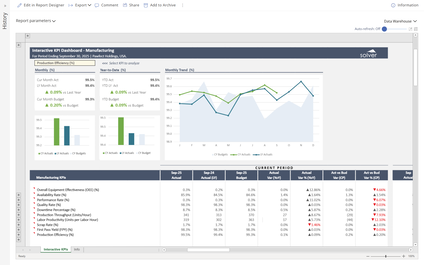
SCM - Manufacturing - Interactive Dashboard – Manufacturing
When a user selects a KPI from the dropdown menu in this dashboard, all charts and figures interactively display metrics, including variances and trends for the chosen KPI.
$
Dashboard
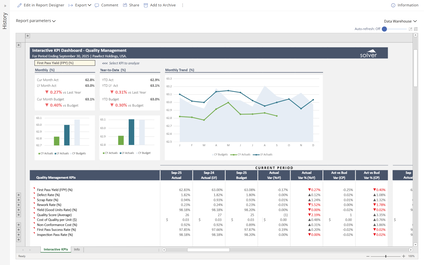
SCM - Manufacturing - Interactive Dashboard – Quality Management
When a user selects a KPI from the dropdown menu in this dashboard, all charts and figures interactively display metrics, including variances and trends for the chosen KPI.
$
Dashboard
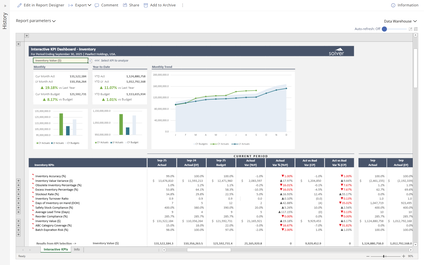
SCM - Manufacturing - Interactive Dashboard – Inventory
When a user selects a KPI from the dropdown menu in this dashboard, all charts and figures interactively display metrics, including variances and trends for the chosen KPI.
$